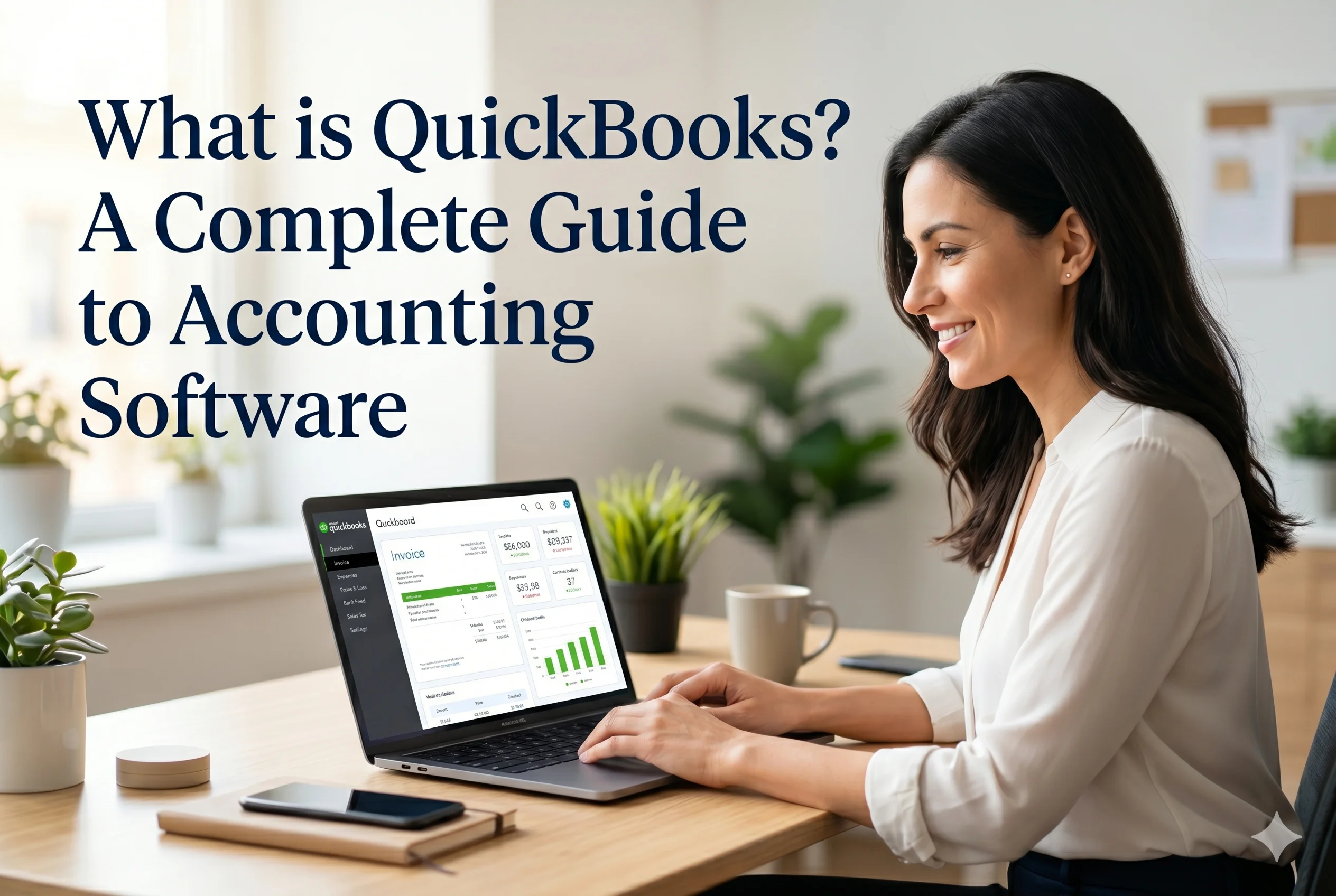
QuickBooks is one of the most widely used accounting software solutions in the world, developed by Intuit. It is designed to help businesses manage their finances, including bookkeeping, invoicing, payroll, expense tracking, and financial reporting.
QuickBooks is suitable for a wide range of users—from freelancers and small businesses to medium-sized companies. It provides both cloud-based and desktop versions, giving businesses flexibility depending on their needs.
The Idea Behind QuickBooks
QuickBooks was created to simplify accounting for business owners who may not have a strong financial background. Instead of relying on manual bookkeeping or complex systems, QuickBooks automates financial tasks and organizes data in a structured way.
The main goal of QuickBooks is to give business owners a clear view of their financial health while reducing the time and effort required to manage accounts.
Core Features of QuickBooks
1. Invoicing and Payments
QuickBooks allows users to create and send professional invoices quickly. You can customize invoices with your company logo, payment terms, and client details.
It also supports online payments, enabling customers to pay directly through the invoice. This helps businesses get paid faster and improves cash flow.
Recurring invoices can be set for regular clients, and automatic reminders reduce the need for manual follow-ups.
Expense Tracking
Tracking expenses is essential for understanding where your money is going. QuickBooks automatically records expenses by connecting to your bank account and credit cards.
Expenses can be categorized for better organization, and users can attach receipts for documentation. This makes tax preparation much easier and ensures accuracy in financial records.
Bank Reconciliation
QuickBooks simplifies bank reconciliation by matching your recorded transactions with your bank statements. This helps ensure that your financial records are accurate and up to date.
It reduces errors and helps detect any discrepancies or fraudulent transactions early.
Payroll Management
One of the standout features of QuickBooks is its payroll system. Businesses can:
- Pay employees
- Calculate salaries and deductions
- Manage taxes
- Generate payslips
This feature is especially useful for businesses with employees, as it automates complex payroll processes and ensures compliance with tax regulations.
Financial Reporting
QuickBooks provides detailed financial reports that help businesses analyze their performance. These include:
- Profit and Loss statements
- Balance sheets
- Cash flow reports
- Tax summaries
These reports give business owners a clear understanding of their financial position and help in making informed decisions.
Inventory Management
Unlike some simpler tools, QuickBooks includes inventory tracking features. Businesses can monitor stock levels, track product sales, and manage purchase orders.
This makes QuickBooks a good option for product-based businesses that need inventory control.
Multi-User Access
QuickBooks allows multiple users to access the system with different permission levels. For example, business owners, accountants, and employees can all use the platform with controlled access.
This improves collaboration and ensures that sensitive financial data is secure.
Benefits of Using QuickBooks
Ease of Use
QuickBooks is designed to be user-friendly, with a clean interface and guided workflows.
Time Efficiency
Automation reduces manual work, saving time on bookkeeping tasks.
Accuracy
Automatic calculations and real-time updates reduce errors.
Scalability
QuickBooks grows with your business, offering more advanced features as needed.
Integration
It integrates with many third-party tools, such as payment gateways, CRM systems, and e-commerce platforms.
Who Should Use QuickBooks?
QuickBooks is ideal for:
- Small and medium-sized businesses
- Freelancers and consultants
- Retail and e-commerce businesses
- Service-based companies
- Businesses with employees (due to payroll features)
QuickBooks vs Other Accounting Software
When compared to other tools:
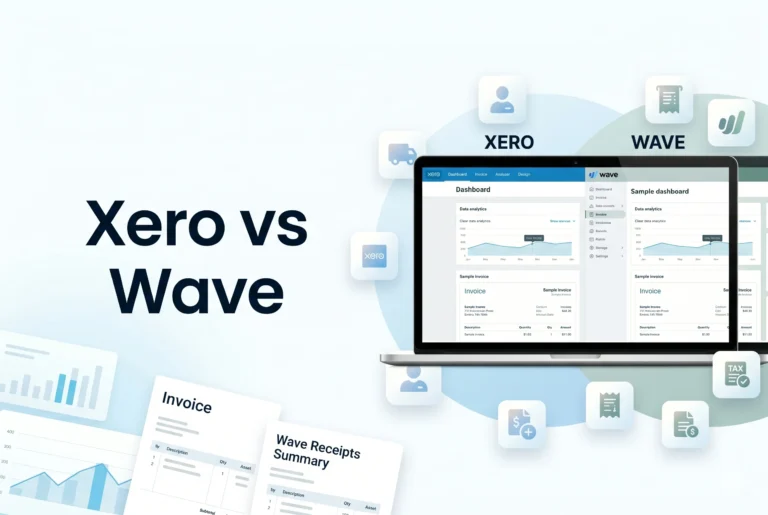
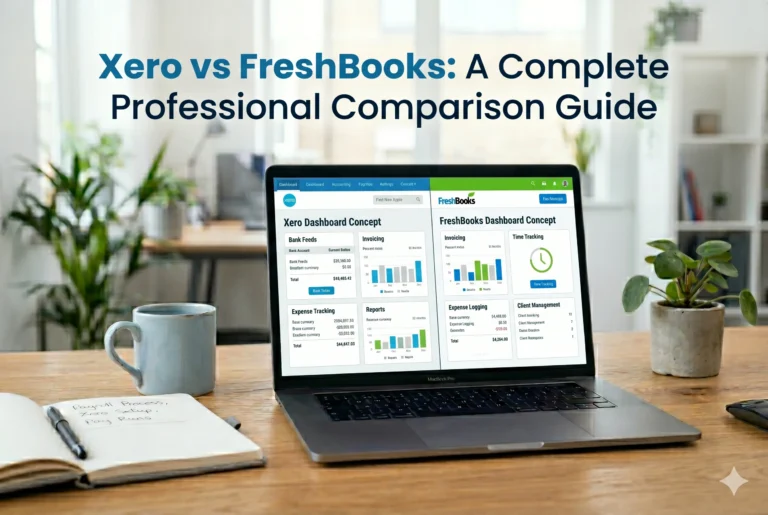
- FreshBooks
- Easier to use
- Better for freelancers
- Limited advanced features
- Xero
- Strong cloud features
- Better for growing businesses
- More integrations
- QuickBooks
- Balanced solution
- Strong reporting and payroll
- Suitable for a wide range of businesses
QuickBooks Online vs Desktop
QuickBooks offers two main versions:
QuickBooks Online
- Cloud-based
- Accessible from anywhere
- Automatic updates
- Subscription-based
QuickBooks Desktop
- Installed on a computer
- More advanced features
- One-time purchase (in some versions)
- Better for complex accounting needs
How QuickBooks Works (Simple Workflow)
Here’s a basic example of how QuickBooks works:
- Connect your bank account
- Import transactions automatically
- Categorize income and expenses
- Create and send invoices
- Receive payments
- Generate financial reports
This process keeps your financial data organized and up to date without manual effort.
Limitations of QuickBooks
While QuickBooks is powerful, it has some drawbacks:
- Can be expensive for small businesses
- Learning curve for beginners
- Some advanced features require higher plans
- Customer support may vary by region
Why QuickBooks is Popular
QuickBooks is widely trusted because of its reliability, feature-rich environment, and strong reputation in the accounting industry. It has been used by millions of businesses worldwide and continues to evolve with modern business needs.
Conclusion
QuickBooks is a comprehensive accounting software solution that helps businesses manage their finances efficiently. With features like invoicing, expense tracking, payroll, inventory management, and reporting, it provides everything needed to run a business smoothly.
It is suitable for a wide range of users, from freelancers to growing companies, making it one of the most versatile accounting tools available. While it may require some learning for beginners, its powerful features and scalability make it a worthwhile investment for businesses looking to streamline their financial operations.
If you are looking for a reliable, all-in-one accounting solution, QuickBooks is definitely one of the top choices to consider.