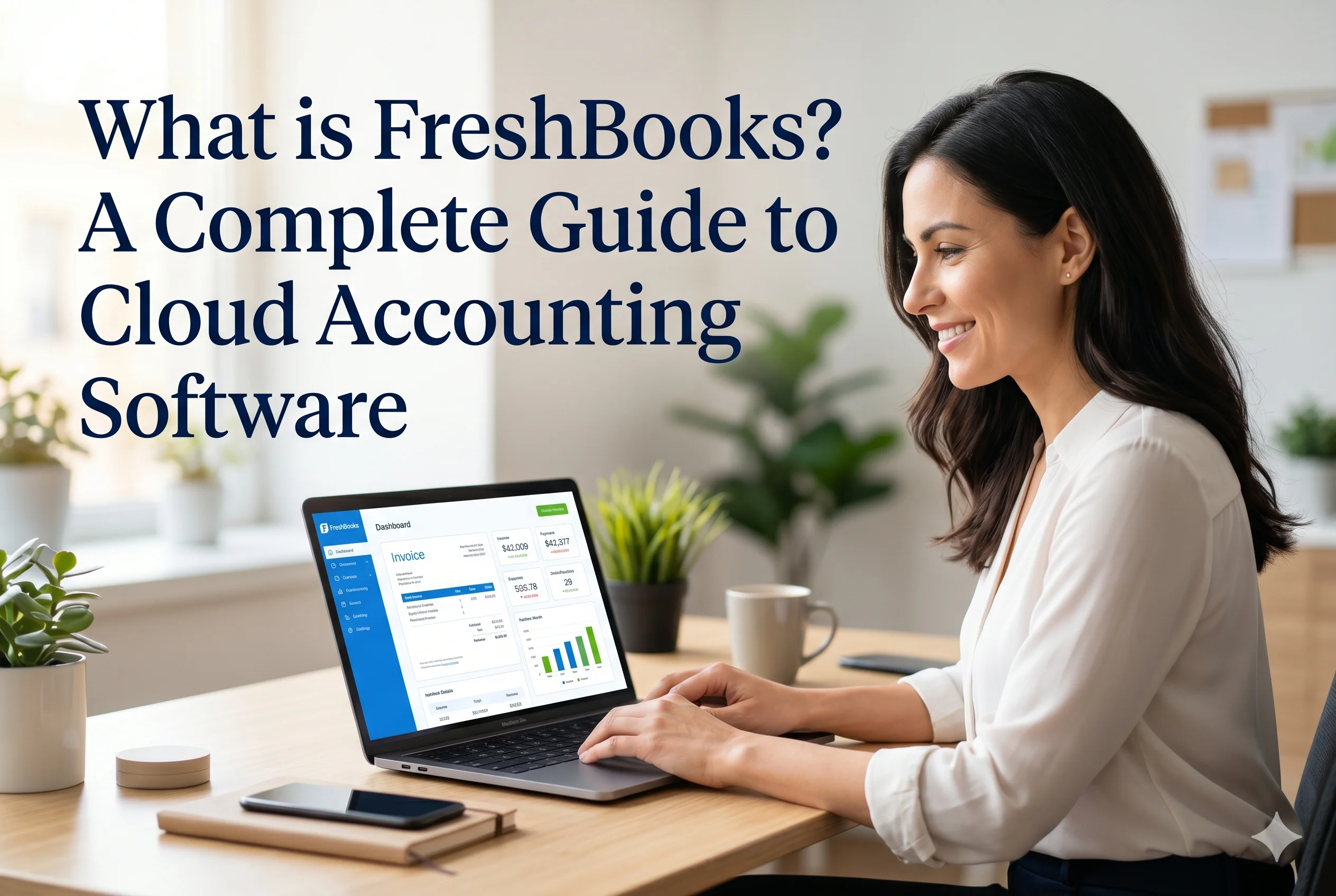
FreshBooks is a modern, cloud-based accounting solution designed to help small business owners, freelancers, and service professionals manage their finances efficiently. Unlike traditional accounting systems that often require technical expertise, FreshBooks focuses on simplicity, automation, and user-friendly design. It allows users to handle invoicing, expense tracking, time tracking, reporting, and client management—all from one centralized platform.
In today’s fast-paced digital business environment, managing finances manually using spreadsheets is no longer practical. FreshBooks eliminates the need for complex bookkeeping processes by providing an intuitive interface and automation tools that reduce manual work. Whether you are a freelancer managing multiple clients or a small business owner handling daily transactions, FreshBooks offers a streamlined way to stay on top of your financial operations.
The Concept Behind FreshBooks
FreshBooks was built with a clear goal: to make accounting accessible to non-accountants. Many small business owners struggle with financial management because traditional accounting software can be overwhelming. FreshBooks solves this problem by simplifying accounting tasks into easy-to-understand workflows.
Instead of focusing on complicated accounting terminology, the platform emphasizes real-world business activities such as sending invoices, tracking expenses, and getting paid. This approach allows users to focus more on growing their business rather than getting lost in financial details.
Core Features of FreshBooks
1. Invoicing and Billing
One of the most powerful features of FreshBooks is its invoicing system. Users can create professional-looking invoices in just a few clicks. You can customize invoices by adding your business logo, choosing colors, and including personalized messages for clients.
FreshBooks also supports recurring invoices, which is especially useful for subscription-based services. Automatic payment reminders help ensure that clients pay on time, reducing the chances of delayed payments. Additionally, the platform allows online payments, enabling clients to pay directly through credit cards or other digital payment methods.
This feature significantly improves cash flow by making the billing process faster and more efficient.
2. Expense Tracking
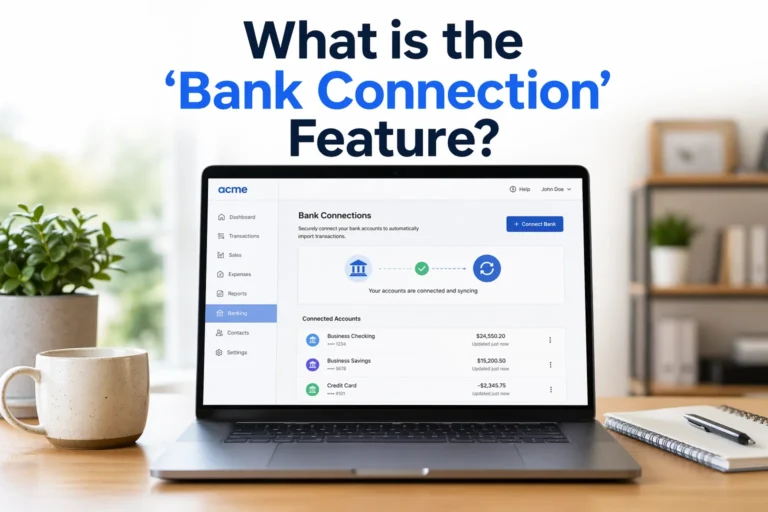
Managing expenses is a critical part of running any business. FreshBooks makes this process simple by allowing users to track and categorize expenses automatically. You can connect your bank account or credit card to import transactions directly into the system.
Users can also upload receipts using the mobile app, ensuring that no expense is missed. Each expense can be categorized for better organization, which is particularly helpful during tax season.
By having all expenses recorded in one place, businesses gain better visibility into their spending patterns and can make informed financial decisions.
3. Time Tracking
For freelancers and service-based professionals, tracking billable hours is essential. FreshBooks includes a built-in time tracking feature that allows users to record the time spent on different projects or tasks.
The recorded time can be directly converted into invoices, saving time and ensuring accurate billing. This feature is particularly beneficial for consultants, developers, designers, and agencies that charge clients based on hours worked.
4. Financial Reporting
FreshBooks provides a variety of financial reports that help users understand their business performance. These reports are designed to be simple and easy to read, even for users without an accounting background.
Some of the key reports include:
- Profit and Loss statements
- Expense reports
- Tax summaries
- Accounts aging reports
These reports provide valuable insights into income, expenses, and overall profitability. They also make it easier to prepare for tax filing and financial planning.
5. Client Management
FreshBooks allows users to manage client information within the platform. You can store contact details, track communication history, and view all invoices related to a specific client.
This feature helps businesses maintain strong relationships with clients by keeping all relevant information organized and easily accessible.
6. Automation and Workflow Efficiency
Automation is one of the biggest advantages of FreshBooks. The platform automates repetitive tasks such as:
- Sending recurring invoices
- Payment reminders
- Expense categorization
By reducing manual work, FreshBooks saves time and minimizes errors. This allows business owners to focus on more important tasks like growth and customer service.
Benefits of Using FreshBooks
Ease of Use
FreshBooks is known for its intuitive interface. Even users with no accounting experience can quickly learn how to use the platform.
Time-Saving
Automation features significantly reduce the time spent on bookkeeping tasks.
Improved Cash Flow
Faster invoicing and online payments help businesses get paid more quickly.
Accessibility
Since FreshBooks is cloud-based, users can access their data from anywhere using a computer or mobile device.
Professional Image
Customizable invoices and organized financial records create a more professional impression for clients.
Who Should Use FreshBooks?
FreshBooks is best suited for:
- Freelancers (writers, designers, developers)
- Consultants
- Small service-based businesses
- Marketing and creative agencies
It is particularly useful for businesses that rely on invoicing and time tracking rather than inventory management.
Limitations of FreshBooks
While FreshBooks is an excellent tool for many users, it does have some limitations. It may not be the best choice for:
- Large enterprises with complex accounting needs
- Businesses requiring advanced inventory management
- Companies needing highly detailed financial customization
In such cases, more advanced accounting software like Xero or enterprise-level solutions may be more suitable.
FreshBooks vs Traditional Accounting Methods
Traditional accounting methods often involve spreadsheets, manual calculations, and paper records. These methods are time-consuming and prone to errors.
FreshBooks replaces these outdated processes with digital tools that automate calculations, store data securely, and generate reports instantly. This not only improves accuracy but also provides real-time insights into business performance.
How FreshBooks Works: A Simple Workflow
To understand how FreshBooks works, consider a typical business scenario:
- A business completes a project for a client
- An invoice is created using FreshBooks
- The invoice is sent to the client via email
- The client pays online through the invoice
- The payment is automatically recorded in the system
- Financial reports are updated in real time
This seamless workflow eliminates the need for manual tracking and ensures that all financial data is organized and up to date.
Why FreshBooks is Popular
FreshBooks has gained popularity because it focuses on solving real problems faced by small business owners. Its simplicity, combined with powerful features, makes it an attractive choice for users who want efficient financial management without complexity.
The platform continues to evolve by adding new features and integrations, making it even more versatile for modern businesses.
Conclusion
FreshBooks is a powerful yet easy-to-use accounting software that simplifies financial management for freelancers and small businesses. By combining invoicing, expense tracking, time tracking, and reporting into one platform, it eliminates the need for multiple tools and manual processes.
Its user-friendly design, automation capabilities, and cloud accessibility make it an excellent choice for those who want to manage their finances efficiently without deep accounting knowledge. While it may not be suitable for large enterprises with complex needs, it remains one of the best options for small and service-based businesses.
If your goal is to save time, improve cash flow, and maintain organized financial records, FreshBooks is a reliable solution worth considering.