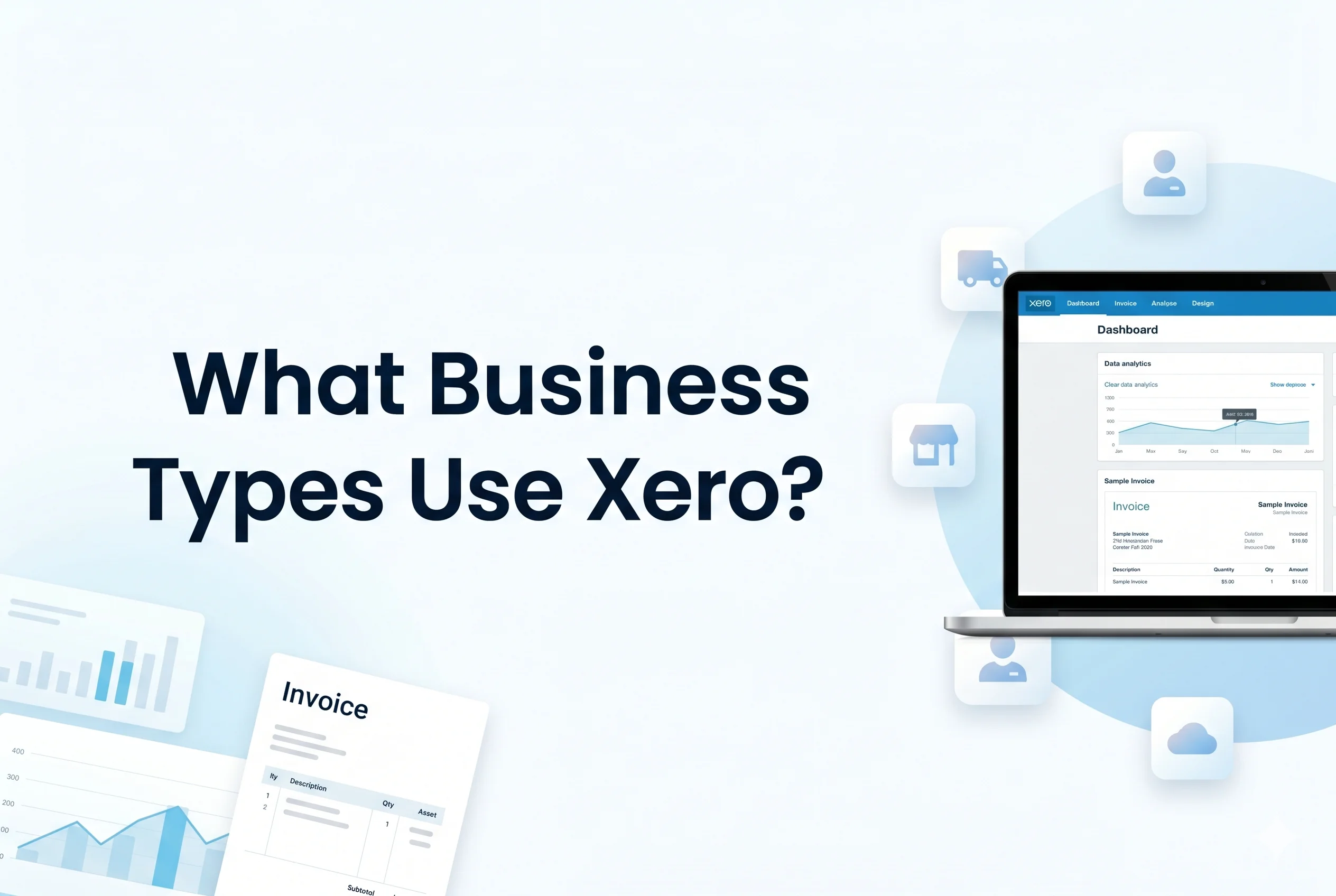
In today’s fast-paced digital economy, businesses need accounting systems that are not only accurate but also flexible, scalable, and easy to use. This is where Xero stands out. As a leading cloud-based accounting platform, Xero has transformed how businesses manage finances—offering real-time visibility, automation, and seamless integrations.
But a key question remains: what types of businesses actually use Xero—and why?
The answer is broader than most people expect. From freelancers to multinational startups, Xero caters to a wide spectrum of industries and business models. Understanding where it fits best can help you decide whether it aligns with your operational needs and growth strategy.
Why Business Type Matters in Accounting Software
Choosing accounting software isn’t just about features—it’s about fit. Different business types have different financial workflows, such as:
- Inventory tracking vs. service billing
- High transaction volumes vs. project-based income
- Multi-currency operations vs. local accounting
- Payroll complexity vs. solo operations
Xero’s flexibility allows it to adapt across these variations, making it suitable for diverse industries.
Small Businesses and Startups
Why Xero is Ideal for Small Operations
Small businesses are among the primary users of Xero due to its simplicity and cost-effectiveness. Entrepreneurs often lack dedicated accounting teams, so they need tools that are intuitive and automated.
Key Benefits:
- User-friendly interface for non-accountants
- Automated bank feeds for real-time tracking
- Invoice creation and payment tracking
- Cloud access from anywhere
Real-World Example:
A small retail shop owner can:
- Send invoices
- Track expenses
- Monitor cash flow
—all without hiring a full-time accountant.
Use Cases:
- Local retail stores
- Cafes and small restaurants
- Service-based startups
Freelancers and Sole Traders
Simplifying Solo Financial Management
Freelancers and independent professionals need a lightweight yet powerful system. Xero provides just enough structure without overwhelming complexity.
Key Features for Freelancers:
- Simple invoicing and reminders
- Expense categorization
- Tax-ready reports
- Mobile app for on-the-go tracking
Common Users:
- Graphic designers
- Content creators
- Consultants
- Developers
Practical Application:
A freelance developer working with international clients can:
- Invoice in multiple currencies
- Track payments automatically
- Prepare tax reports efficiently
Accountants and Bookkeepers
A Professional-Grade Tool for Financial Experts
Xero is not just for business owners—it’s widely used by accounting professionals.
Why Accountants Prefer Xero:
- Multi-client dashboard
- Real-time collaboration with clients
- Automated reconciliations
- Integration with compliance tools
Key Advantages:
- Reduces manual bookkeeping
- Improves accuracy
- Enables advisory services
Example:
An accounting firm managing 50+ clients can:
- Access all accounts from one platform
- Monitor financial health in real time
- Provide proactive financial advice
E-commerce and Online Businesses
Managing High-Volume Transactions
E-commerce businesses deal with complex financial flows—payments, refunds, inventory, and multiple sales channels.
Why Xero Works Well:
- Integrates with platforms like Shopify, Amazon, and WooCommerce
- Handles large transaction volumes
- Supports multi-currency accounting
Key Features:
- Automated sales data syncing
- Inventory tracking (via integrations)
- Payment gateway reconciliation
Example:
An online store selling globally can:
- Automatically import daily sales
- Track international payments
- Manage taxes across regions
Growing and Scaling Businesses
Supporting Business Expansion
As businesses grow, their accounting needs become more complex. Xero supports scalability without requiring a complete system change.
Key Capabilities:
- Advanced reporting and analytics
- Multi-user access with permissions
- Integration with CRM, payroll, and inventory tools
Benefits for Growing Businesses:
- Real-time financial insights
- Better decision-making
- Reduced operational bottlenecks
Example:
A startup scaling from 5 to 50 employees can:
- Add users with role-based access
- Track departmental expenses
- Integrate payroll and HR systems
Service-Based Businesses
Managing Time, Projects, and Billing
Service businesses rely on time-based or project-based billing. Xero supports this through integrations and flexible invoicing.
Ideal For:
- Marketing agencies
- IT service providers
- Legal firms
- Consulting companies
Key Features:
- Project tracking (via add-ons)
- Recurring invoices
- Expense allocation
Practical Use:
A marketing agency can:
- Track billable hours
- Assign costs to projects
- Generate detailed invoices
Construction and Trades Businesses
Handling Job Costing and Expenses
Construction and trade businesses deal with:
- Job-based costing
- Material expenses
- Contractor payments
Xero supports these needs through integrations and expense tracking.
Key Benefits:
- Track project profitability
- Manage supplier invoices
- Monitor cash flow
Example:
A contractor can:
- Record material costs
- Track labor expenses
- Generate job-specific financial reports
Nonprofits and Organizations
Transparency and Financial Accountability
Nonprofits require clear reporting and fund tracking. Xero helps maintain transparency and compliance.
Features for Nonprofits:
- Fund tracking
- Donation recording
- Financial reporting
Benefits:
- Improved accountability
- Easy audit preparation
- Real-time financial visibility
Industry Comparison: Where Xero Fits Best
| Business Type | Complexity Level | Xero Suitability |
|---|---|---|
| Freelancers | Low | Excellent |
| Small Businesses | Low–Medium | Excellent |
| E-commerce | Medium–High | Very Good |
| Service Businesses | Medium | Very Good |
| Large Enterprises | High | Moderate (with integrations) |
Insight:
Xero excels in small to medium-sized businesses (SMBs) but can scale with integrations for larger operations.
Key Features That Make Xero Versatile
Across all business types, certain core features make Xero adaptable:
1. Cloud-Based Access
- Work from anywhere
- Real-time updates
2. Automation
- Bank reconciliation
- Invoice reminders
3. Integrations
- 1000+ third-party apps
- Industry-specific tools
4. Multi-Currency Support
- Ideal for global businesses
5. Reporting and Insights
- Profit & loss
- Cash flow forecasting
When Xero May Not Be the Best Fit
While Xero is powerful, it may not be ideal for:
- Very large enterprises with complex ERP needs
- Businesses requiring deep native inventory management
- Highly customized financial systems
In such cases, companies may need more specialized or enterprise-level solutions.
Conclusion
Xero is not limited to a single industry or business size—it is a versatile accounting platform used across a wide range of business types, including:
- Small businesses and startups
- Freelancers and sole traders
- Accountants and bookkeepers
- E-commerce companies
- Growing businesses
- Service providers
- Construction firms
- Nonprofits
Its strength lies in its flexibility, ease of use, and scalability, making it particularly well-suited for small to medium-sized businesses and growing enterprises.
For business owners and professionals seeking a reliable, cloud-based accounting solution, Xero offers a compelling balance of simplicity and power. The key is understanding your specific needs—and how Xero’s features align with your operational goals.
Ultimately, the businesses that benefit most from Xero are those looking for clarity, automation, and real-time financial control in an increasingly digital world.