Introduction
Managing employee salaries, tax deductions, and compliance can be one of the most complex parts of running a business. Payroll errors not only affect employee satisfaction but can also lead to legal issues and financial penalties. This is where the payroll feature in Xero becomes a powerful solution.
Xero’s payroll system is designed to simplify salary processing, automate calculations, and ensure compliance with tax regulations. Whether you run a small business or a growing company, Xero helps you handle payroll efficiently and accurately.
In this detailed guide, you will learn what payroll is, how Xero’s payroll feature works, its key functionalities, and how to use it step by step.
What Is Payroll?
Payroll refers to the process of:
- Paying employees their salaries or wages
- Calculating tax deductions
- Managing bonuses, allowances, and overtime
- Generating payslips
- Filing taxes with authorities
In simple terms, payroll ensures that employees are paid correctly and on time while keeping your business compliant with financial regulations.
What Is the Payroll Feature in Xero?
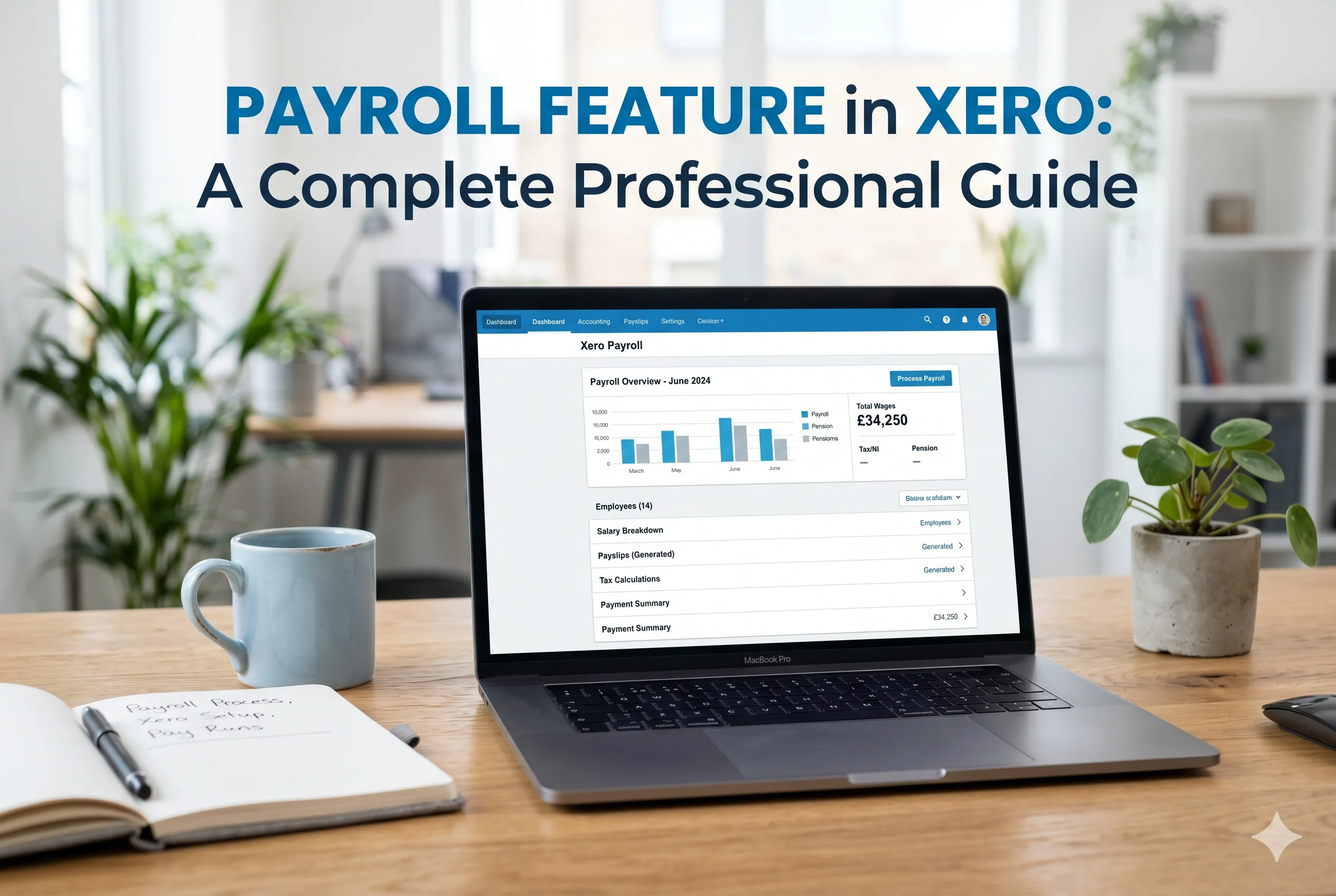
The payroll feature in Xero is an integrated system that allows businesses to manage employee payments directly within the accounting platform.
Instead of using separate payroll software, Xero combines:
- Accounting
- Employee management
- Salary processing
- Tax calculations
into one unified system.
This integration reduces manual work and ensures that payroll data automatically reflects in your financial records.
Key Features of Xero Payroll
1. Automated Salary Calculations
Xero automatically calculates:
- Employee wages
- Overtime
- Bonuses
- Deductions
This eliminates manual errors and saves time.
2. Employee Management
You can store and manage employee details in one place.
Includes:
- Personal information
- Job roles
- Salary structure
- Tax details
- Bank account information
3. Payslip Generation
Xero generates professional payslips for employees.
Benefits:
- Easy to download and share
- Transparent salary breakdown
- Accessible anytime
4. Tax and Compliance Handling
Xero helps calculate taxes automatically based on local regulations.
Important Note:
Payroll features vary by country, so tax compliance depends on your region.
5. Leave and Attendance Tracking
You can manage employee leave such as:
- Annual leave
- Sick leave
- Unpaid leave
This data is directly linked to payroll calculations.
6. Direct Bank Payments
Xero allows you to:
- Generate payment files
- Upload them to your bank
- Pay employees directly
7. Integration with Accounting
Payroll transactions are automatically recorded in your accounting system.
This means:
- No duplicate entries
- Accurate financial reports
- Better tracking of labor costs
Benefits of Using Xero Payroll
1. Time Efficiency
Automation reduces hours spent on manual calculations and paperwork.
2. Accuracy
Built-in formulas reduce human errors in salary and tax calculations.
3. Compliance
Helps ensure your business follows tax and labor laws.
4. Centralized System
All financial and payroll data is stored in one place.
5. Scalability
Easily manage payroll as your team grows.
How to Use Payroll in Xero (Step-by-Step)
Step 1: Enable Payroll Feature
- Log in to your Xero account
- Go to settings
- Activate payroll (if available in your region)
Step 2: Add Employees
To add employees:
- Go to “Payroll” section
- Click “Add Employee”
- Enter details such as:
- Name
- Position
- Salary
- Tax information
- Bank account
Step 3: Set Up Pay Schedule
Define how often employees are paid:
- Weekly
- Bi-weekly
- Monthly
This ensures consistent payroll processing.
Step 4: Configure Earnings and Deductions
Set up:
- Basic salary
- Overtime rates
- Bonuses
- Tax deductions
You can customize these based on your business structure.
Step 5: Track Work Hours and Leave
Enter:
- Working hours
- Leave days
This ensures accurate salary calculations.
Step 6: Run Payroll
To process payroll:
- Go to “Pay Runs”
- Select pay period
- Review employee payments
- Approve payroll
Xero will calculate everything automatically.
Step 7: Generate Payslips
After approval:
- Payslips are generated automatically
- You can send them to employees via email
Step 8: Make Payments
- Generate a bank payment file
- Upload it to your bank
- Pay all employees at once
Step 9: Record Payroll in Accounts
Xero automatically updates:
- Expense accounts
- Tax liabilities
- Cash flow
This ensures your financial reports stay accurate.
Best Practices for Using Xero Payroll
1. Keep Employee Data Updated
Always ensure employee details are accurate to avoid errors.
2. Review Payroll Before Approval
Double-check calculations before finalizing payments.
3. Stay Updated with Tax Laws
Ensure your payroll settings reflect current regulations.
4. Use Automation Features
Leverage recurring pay runs and automatic calculations.
5. Maintain Records
Keep payroll reports for audits and compliance purposes.
Who Should Use Xero Payroll?
Xero payroll is ideal for:
- Small and medium-sized businesses
- Startups with growing teams
- Freelancers hiring employees
- Companies wanting an all-in-one accounting solution
Limitations of Xero Payroll
While Xero payroll is powerful, it has some limitations:
- Not available in all countries
- Advanced features may require higher subscription plans
- Requires basic understanding of payroll processes
Conclusion
The payroll feature in Xero is a robust and efficient solution for managing employee payments, taxes, and compliance. By automating complex processes, it reduces errors, saves time, and ensures accurate financial reporting.
For businesses looking to simplify payroll while keeping everything integrated with accounting, Xero offers a reliable and scalable solution.
By following the steps outlined in this guide, you can confidently set up and manage payroll in Xero, ensuring your employees are paid accurately and on time—every time.