Introduction
In today’s fast-paced digital business environment, managing finances manually is no longer efficient or practical. Businesses—whether small startups or growing enterprises—need smart, automated, and reliable accounting solutions. This is where Xero comes in.
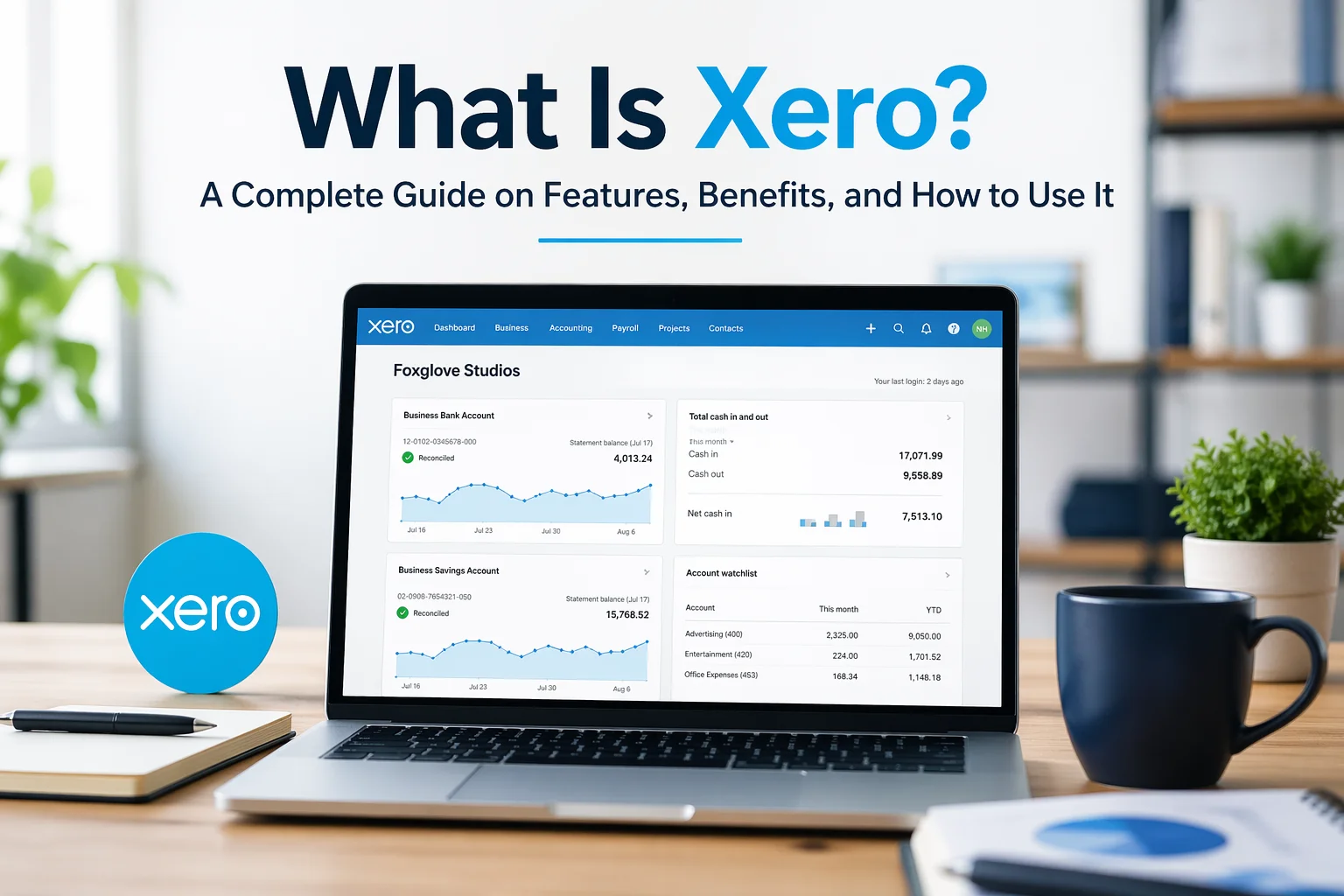
Xero is a powerful cloud-based accounting software designed to simplify financial management. It helps businesses track income, manage expenses, handle payroll, generate reports, and stay compliant—all from a single platform accessible anywhere.
This guide will walk you through everything you need to know about Xero, including what it is, its features, benefits, and a step-by-step explanation of how to use it effectively.
What Is Xero?
Xero is a cloud accounting software developed for small and medium-sized businesses. Unlike traditional accounting systems that require installation on a specific computer, Xero operates entirely online. This means you can access your financial data anytime, anywhere, using a computer or mobile device.
Key Characteristics of Xero
- Cloud-Based Access – No installation required; works through a browser
- Real-Time Financial Data – Updates automatically as transactions occur
- User-Friendly Interface – Designed for non-accountants as well
- Multi-User Access – Allows teams to collaborate simultaneously
- Secure Data Storage – Uses advanced encryption and backup systems
Xero is widely used by business owners, accountants, freelancers, and finance teams across the world.
Why Businesses Choose Xero
Before diving into how to use Xero, it’s important to understand why it has become one of the most popular accounting tools globally.
1. Automation Saves Time
Xero automates repetitive tasks such as bank reconciliation, invoice generation, and expense tracking. This reduces manual work and errors.
2. Accessibility and Flexibility
Because it’s cloud-based, you can manage your finances from anywhere—home, office, or even while traveling.
3. Real-Time Financial Insights
You always have up-to-date financial information, helping you make better business decisions quickly.
4. Scalability
Xero grows with your business. Whether you’re a freelancer or a company with multiple employees, it adapts to your needs.
5. Integration with Other Tools
Xero integrates with hundreds of business apps such as payment gateways, CRM systems, and inventory tools.
Core Features of Xero
1. Invoicing
Xero allows you to create professional invoices and send them directly to clients via email.
Key benefits:
- Customizable invoice templates
- Automated payment reminders
- Online payment integration
- Recurring invoices for regular clients
2. Bank Reconciliation
One of Xero’s most powerful features is automatic bank reconciliation.
How it works:
- Connect your bank account to Xero
- Transactions are imported automatically
- Xero suggests matches for easy reconciliation
This significantly reduces manual bookkeeping effort.
3. Expense Tracking
Xero helps track all your business expenses in one place.
Features include:
- Upload receipts
- Categorize expenses
- Monitor spending patterns
- Employee expense claims
4. Financial Reporting
Xero generates detailed reports to help you understand your financial health.
Common reports:
- Profit and Loss Statement
- Balance Sheet
- Cash Flow Statement
- Tax Reports
These reports are essential for decision-making and compliance.
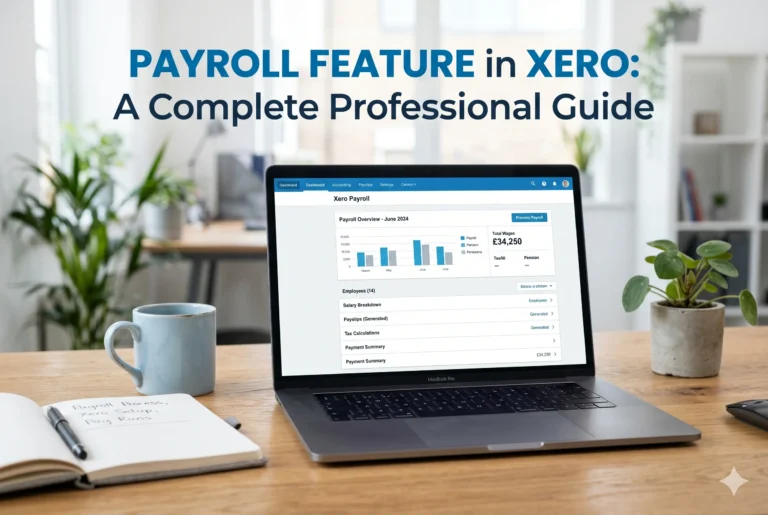
5. Payroll Management
Xero simplifies employee payroll processes.
Capabilities:
- Salary calculations
- Tax deductions
- Payslip generation
- Compliance with local regulations
6. Inventory Management
You can track products, stock levels, and cost of goods sold directly in Xero.
7. Multi-Currency Support
For businesses operating internationally, Xero supports multiple currencies with automatic exchange rate updates.
How to Use Xero: Step-by-Step Guide
Step 1: Create an Account
To start using Xero:
- Visit the official website
- Sign up with your email
- Choose a subscription plan
Once registered, you’ll access your dashboard.
Step 2: Set Up Your Organization
After logging in, you’ll need to configure your business details.
Important settings include:
- Business name and type
- Financial year
- Tax rates
- Currency
This ensures accurate accounting from the beginning.
Step 3: Connect Your Bank Account
Link your business bank account to Xero.
Benefits:
- Automatic transaction import
- Real-time balance updates
- Easier reconciliation
Step 4: Create Chart of Accounts
The chart of accounts is the backbone of your accounting system.
It includes categories like:
- Assets
- Liabilities
- Income
- Expenses
Xero provides a default chart, but you can customize it according to your business.
Step 5: Add Customers and Suppliers
You can store details of:
- Clients (customers)
- Vendors (suppliers)
This makes invoicing and payments easier to manage.
Step 6: Create and Send Invoices
To create an invoice:
- Go to the “Business” section
- Select “Invoices”
- Click “New Invoice”
- Add customer details and items
- Send directly via email
Xero also tracks whether the invoice has been viewed or paid.
Step 7: Record Expenses
You can manually add expenses or import them via your bank feed.
Steps:
- Go to “Business” → “Bills to Pay”
- Add supplier details
- Enter expense information
Step 8: Reconcile Transactions
This is a key step in maintaining accurate records.
Process:
- Match imported bank transactions with your records
- Confirm or edit suggested matches
Xero makes this process fast and efficient.
Step 9: Generate Reports
To monitor your financial performance:
- Go to the “Accounting” section
- Select “Reports”
- Choose the report you need
You can customize and export reports for analysis or sharing.
Step 10: Manage Payroll (Optional)
If your business has employees:
- Set up payroll details
- Add employee information
- Process salaries and generate payslips
Tips for Using Xero Effectively
1. Keep Data Updated
Regularly update transactions to ensure accurate reporting.
2. Use Automation Features
Take advantage of recurring invoices, bank rules, and automatic reconciliation.
3. Customize Reports
Tailor financial reports to match your business needs.
4. Integrate with Apps
Connect Xero with other tools like payment gateways or CRM systems.
5. Learn Basic Accounting Concepts
Understanding basic accounting improves how effectively you use Xero.
Who Should Use Xero?
Xero is ideal for:
- Small Business Owners – Manage finances without hiring a full-time accountant
- Freelancers – Track income and expenses easily
- Startups – Scale financial operations efficiently
- Accountants & Bookkeepers – Manage multiple clients
- E-commerce Businesses – Handle inventory and transactions
Advantages and Limitations
Advantages
- Easy to use
- Cloud-based accessibility
- Strong automation features
- Real-time insights
- Multi-user collaboration
Limitations
- Requires internet connection
- Subscription-based pricing
- Advanced features may need learning
Conclusion
Xero is more than just accounting software—it’s a complete financial management solution. It simplifies complex accounting tasks, saves time, and provides real-time insights that help businesses grow smarter and faster.
Whether you’re a beginner or an experienced business owner, learning how to use Xero can significantly improve your financial operations. By following the step-by-step process outlined in this guide, you can start managing your business finances professionally and efficiently.
If your goal is to streamline accounting, reduce errors, and gain better control over your finances, Xero is undoubtedly a powerful tool worth considering.